Thank you Willi for your clear answer !
As said, I opened up the 51820 port on my server for Wireguard. I also installed the vpn client on my mobile. It works well.
But how can I access through the vpn my NextCloud (installed on the same Raspberry than Wireguard) ?
What address should I search for on my smartphone (or other device ) to connect NextCloud ?
Should I put some parameters to the installed Wireguard ?
Let me explain my installation:
Server:
- Box from Orange (my ISP) to connect to the internet,
- no fixed ip from internet
- NAT open port for Wireguard: 51820
- local network IP: 192.168.1.1
Raspberry: - fixed local IP (192.168.1.25)
- Wireguard installed, personaladdress.duckdns.org to solve the problem of the not fixed ip from my isp,
- NextCloud installed
The personaladdress.duckdns.org ping is ok.
When I call with my smartphone (not connected in wifi) through the vpn :
-
192.168.1.25 port 22 (in SSH from internet), it works well.
-
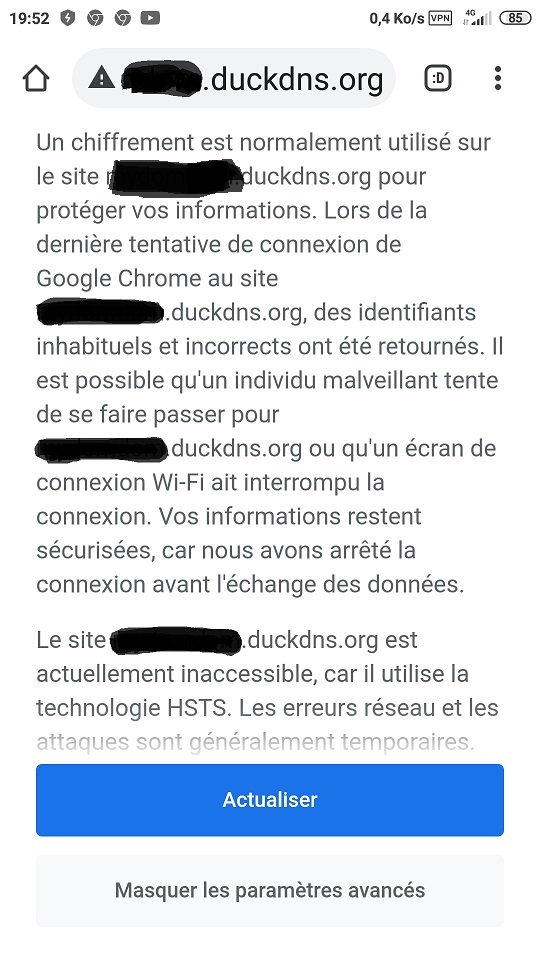
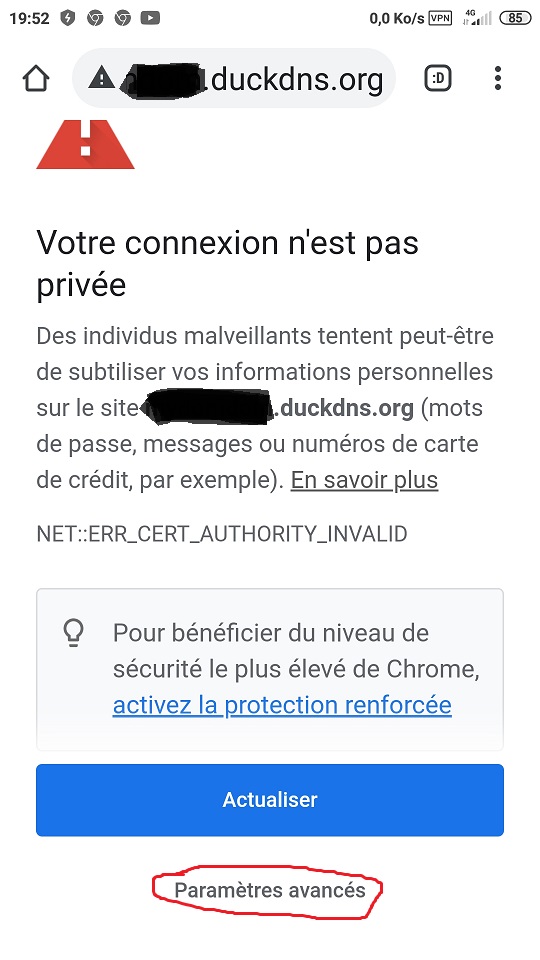
when I call personaladdress.duckdns.org, the browser tells me the connection is unsecure, then when I want to go further with advanced parameters, the browser tells me the site is unaccessible because it uses the HSTS technology and refuses to let me in (see screenshots)
-
I tried to use another personaladdress2.duckdns.org in the nextcloud parameters, instead of personaladdress.duckdns.org without any success.
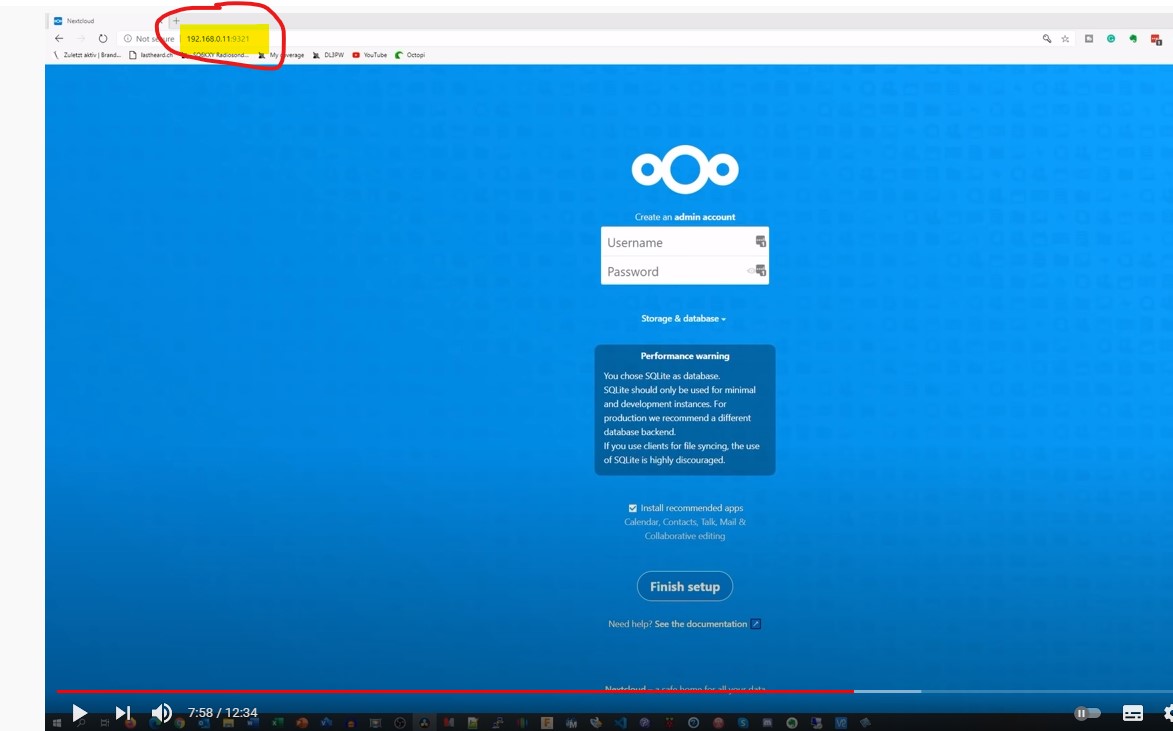
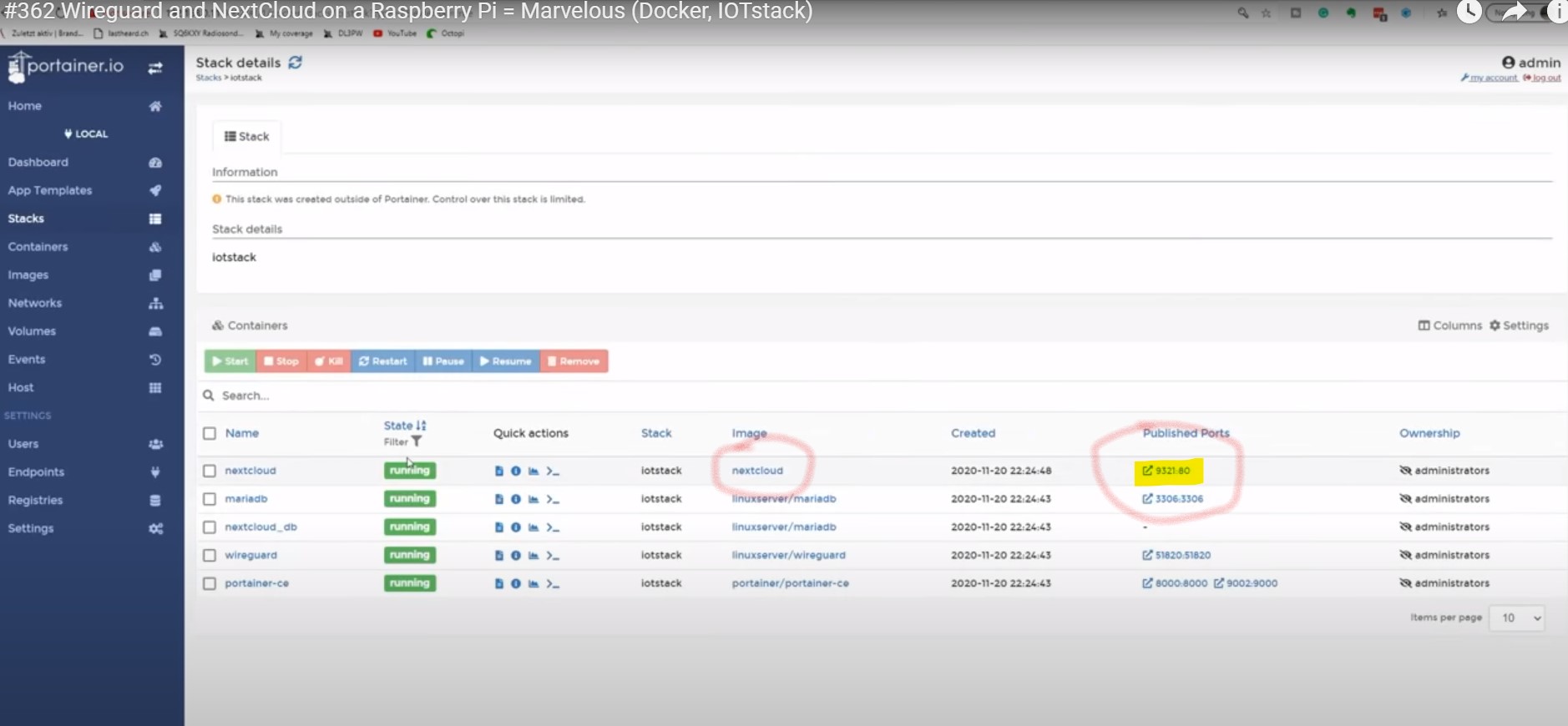
I really wonder if I should add some parameters to the wireguard installation since Nextcloud is called with another port (9321) in this video https://www.youtube.com/watch?v=7Pe-Cv0tnLs (see captured screens). But I don’t know how to give this parameter to Wireguard… Andrea set up the install with Docker
In case you may help me solve this…
Thank you for your patience and help !
Dominique