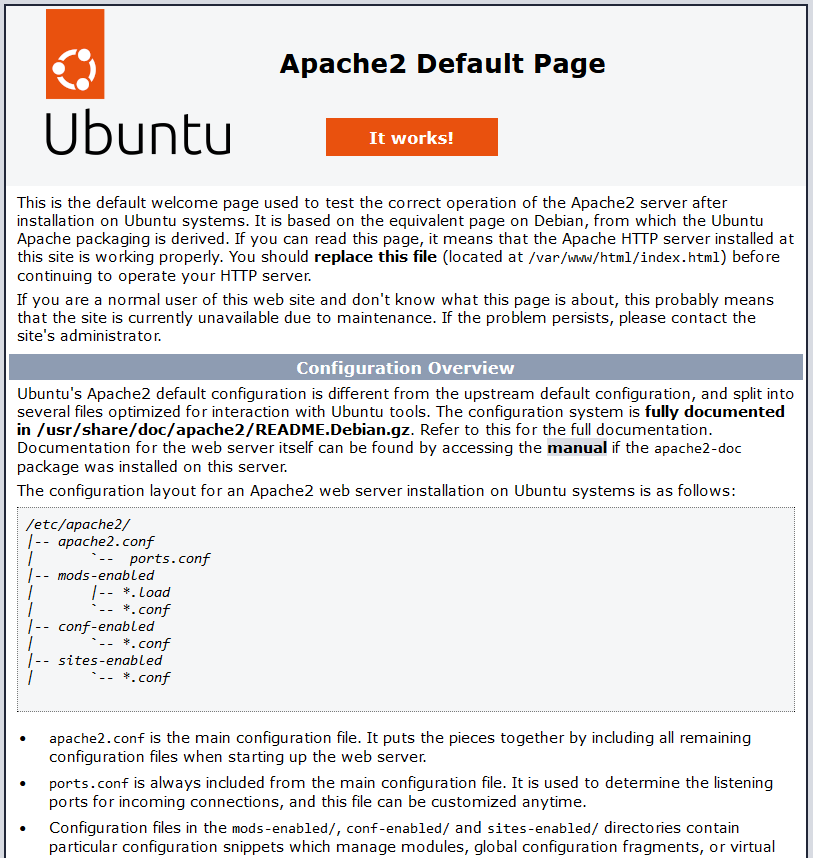
I get the default apache welcome page, thats the issue i’m trying to solve.
I see. Did you configured your domain correctly to point to the public ip of your home network? Also did you configure the port-forwarsing correctly for port 443 to point at the server that runs the reverse proxy?
Yes both should be fine, since I’m running other services on the same machine using other subdomains and all using SSL.
What happens if you open https://cloud.website.tld:443 ?
I get this error:
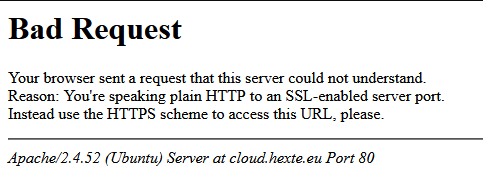
Although that is when not putting https:// before when I do add it, it shows the welcome page again
I see. Did you make sure that the apache config is correctly enabled and that you did not make a typo somewhere e.g. regarding the domain?
Regarding the domain, it is correct, when it comes to enabling the config, I saved it into /etc/apache2/sites-available/ and enabled it using a2ensite, also enabling the modules listed here Apache reverse proxy configuration
Did you already restarted apache?
Restarted every time I made a change to it.
I see. then I am out of ideas for now. Somehow apache or the networking infrastructure seems still incorrectly configured
Ah OK then, well I’ll try some more things to see if I can make it work, although I don’t really know how apache could be causing this issue because since the only thing I did with it is set up a reverse proxy for a media server that I’m running on it, and there I didn’t have any issues setting that up.
I went about reinstalling it and it works now, so either something got borked during the install or the apache welcome page (which I disabled now) was for some reason taking priority over the virtual host for cloud.domain.tld.
1 Like