@Canhobix , you may have used the wrong user ID as the owner of the files you want to access using External storage (Local).
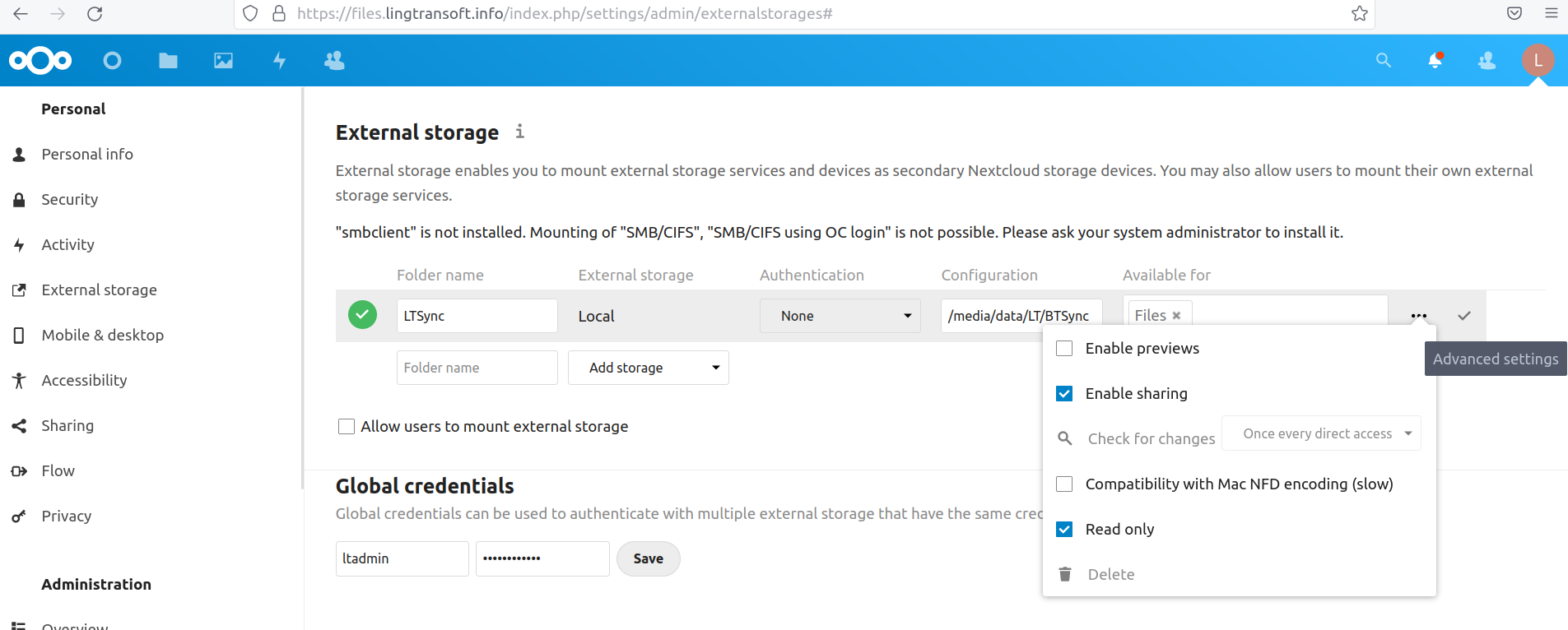
I have successfully mounted /media/data/LT/BTSync on my local system, pointing to it with a folder in NC that I called LTSync. I had to locate the External folder inside /media because I am using the snap version of NextCloud, and for that version the External folder has to be within /media or /mnt.
Even though the documentation says the External files must belong to root for the snap installation, I have found that is not necessary in my case – perhaps because the External storage (Local) link is read-only. Here are the permissions and ownership of my External storage:
drwxr-xr-x jim adm /media/data/
drwxrwxr-x ltadmin adm /media/data/LT/
drwsrwsr-x ltadmin adm /media/data/LT/BTSync/
Here is a screenshot of the link to my External storage (Local):
If your installation of NextCloud is the snap one, and if you want NC to be able to write to those files, I suggest you make them belong to root, and you will need to locate them within /media or /tmp. You also need to add the app for removable media to your NC.
If your NC installation is done the more difficult manual way, the documentation says the files should belong to the user who runs the web server on your system, www-data. For that installation I think you can locate the External storage anywhere in the file system. I have not tried this installation.