File request upload fails on iPhone/Mac

Support intro

Sorry to hear you’re facing problems. :slightly_frowning_face:

The community help forum …is for home and non-enterprise users. Support is provided by other community members on a best effort / “as available” basis. All of those responding are volunteering their time to help you.

If you’re using Nextcloud in a business/critical setting, paid and SLA-based support …

Getting help

In order to help you as efficiently (and quickly!) as possible, please fill in as much of the below requested information as you can.

Before clicking submit: Please check if your query is already addressed via the following resources: …

(Utilizing these existing resources is typically faster. It also helps reduce the load on our generous volunteers while elevating the signal to noise ratio of the forums otherwise arising from the same queries being posted repeatedly).

Some or all of the below information will be requested if it isn’t supplied; for fastest response please provide as much as you can. :heart:

The Basics

  • Nextcloud Server version (e.g., 29.x.x):

    • Nextcloud version: 33.0.8 - 33.0.8.2replace me
  • Operating system: Linux 6.8.0-124-generic #124-Ubuntu SMP PREEMPT_DYNAMIC Tue May 26 13:00:45 UTC 2026 x86_64

    Webserver: nginx/1.31.1 (fpm-fcgi)

    Database: mysql 10.11.19

    PHP version: 8.4.24

  • Is this the first time you’ve seen this error? (Yes / No):

    • YES
  • When did this problem seem to first start?

    • Noticed today
  • Installation method (e.g. AlO, NCP, Bare Metal/Archive, etc.)

    • Hetzner Storage Share
  • Are you using CloudfIare, mod_security, or similar? (Yes / No)

    • NO

Summary of the issue you are facing:

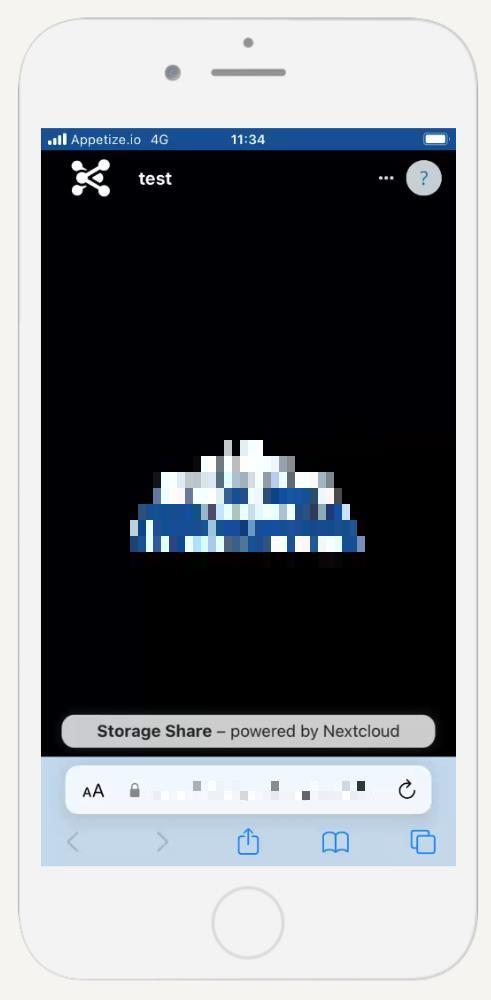
I shared a folder set up a file request link. It works fine on PCs and on Android phones. But on iPhones, the upload page appears, but there is no upload button.

A client sent a screenshot (I don’t know which iPhone), and I see the same on my iPhone 5 testing phone, on Safari and Firefox.

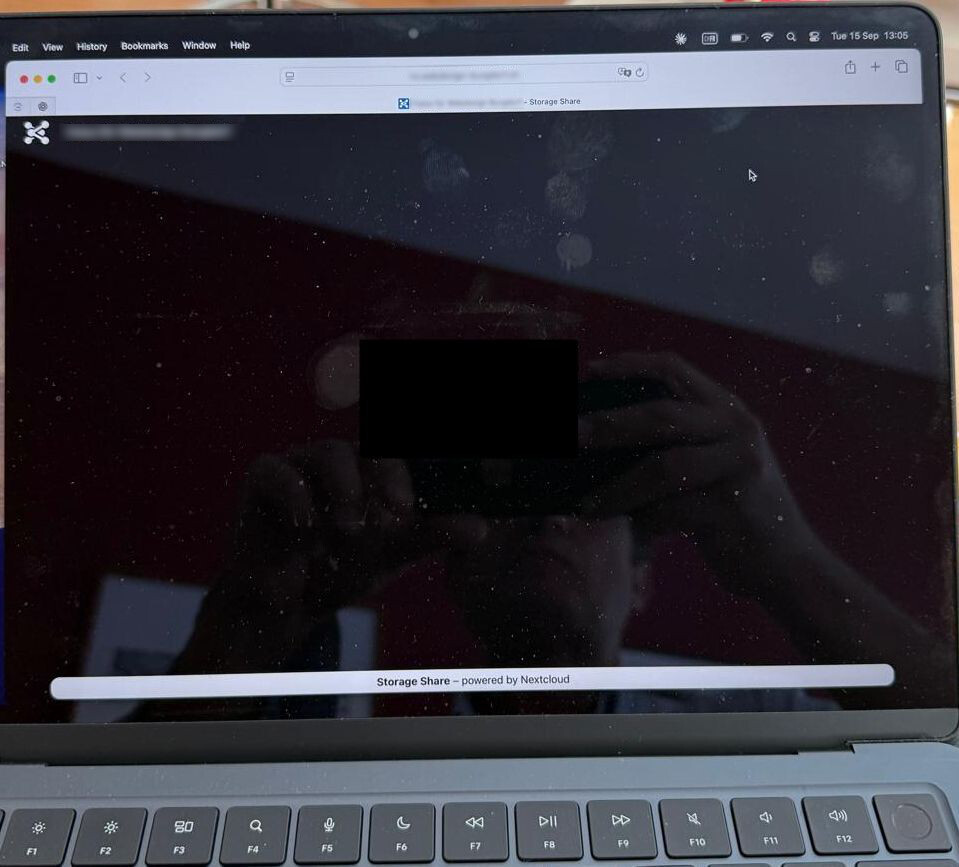
EDIT: The client tried it on his new MacBook - same result.

Steps to replicate it (hint: details matter!):

  1. Set up a file request share, test the link on non-iPhone / PC

  2. Test on iPhone or Mac

Log entries

Nextcloud

Please provide the log entries from your Nextcloud log that are generated during the time of problem (via the Copy raw option from Administration settings->Logging screen or from your nextcloud.log located in your data directory). Feel free to use a pastebin/gist service if necessary.

I have no Administration settings->Logging screen and no access to the data directory

Web Browser

If the problem is related to the Web interface, open your browser inspector Console and Network tabs while refreshing (reloading) and reproducing the problem. Provide any relevant output/errors here that appear.

I have no dev tools on the iPhone

Web server / Reverse Proxy

The output of your Apache/nginx/system log in /var/log/____:

No access

Configuration

Nextcloud

The output of occ config:list system or similar is best, but, if not possible, the contents of your config.php file from /path/to/nextcloud is fine (make sure to remove any identifiable information!):

No access

Apps

The output of occ app:list (if possible).

Tips for increasing the likelihood of a response

  • Use the preformatted text formatting option in the editor for all log entries and configuration output.
  • If screenshots are useful, feel free to include them.
    • If possible, also include key error output in text form so it can be searched for.
  • Try to edit log output only minimally (if at all) so that it can be ran through analyzers / formatters by those trying to help you.
I’d appreciate it, even if there is no solution, if anyone could confirm whether they have the same issue or not.

Thanks!

  • Create file request in NC 35.0.1
  • Win11 Chrome → upload button available
  • iPhone (iOS 27.0), Safari/Firefox → upload button available

Thank you!

My version is 33.0.9. So it could be fixed in a newer version?

Unfortunately I cannot try, because it’s preinstalled by Hetzner. Several other of my hosters offer Nextcloud as part of Softaculous, but I never got that to work :frowning:

If anyone still has access to an older version, it would be nice to have a confirmation. Otherwise I’ll just have to wait until Hetzner finally updates.

Suggestions for better and still affordable hosting welcome.

Finally I succeeded installing Nextcloud via Softaculous. Not great, but I was able to test with 35.0.0: Exactly the same as 33 for me. Works fine on Windows and Android, not on iOS (iPhone 5)

I could not test with 35.0.1, my update attempt failed.

Maybe it is on older versions of iOS that it fails? iPhone 5 is very old, ofc, but the client has something newer, I don’t know exactly.

I just tried on a NC 33 setup and it works as well.

Could be. Can you try your setup with a newer phone?

Thanks, tflidd. I don’t have access to a newer iPhone, but my client’s phone is certainly newer.

Anyway, I was now able to test with an emulator: https://appetize.io/

2 Tests:

recent iPhone, iOS 16.2 ok
iPhone 8, iOS 15.5 - not ok, same as my iPhone 5
EDIT: additional test: iPhone 13 Pro, iOS 15.5 - same error

So it seems to fail for iOS < 16.

Screenshot with missing upload message and button:

Ok, then it looks like a feature the old phones do not support. Are there newer apps available that support the feature? To ask to add support for old phone is probably difficult, not sure about the missing feature if there is an easy fall-back solution, or if it needed an app to do this.

I don’t know how many people still have devices where this does not work. This one client of mine is certainly able to buy recent devices, and both his iPhone and MacBook fail. I’ll ask him about details.

I searched for an alternative app but found none.

The thing is, since I don’t know what devices my clients have, or friends or family. If I cannot be sure that the upload works, I cannot distribute Nextcloud upload links to them. That makes the feature near useless for me, and I will have to continue using cloud services where I know that it always works.

What’s worse is that I cannot in good conscience promote Nextcloud to clients (or friends) for who I know uploads are important, and I assume when booking a cloud service, many might find this important.

Maybe just wait until these older devices and OSs die out …

Anyway, thank you for coming in, your testing and suggestions!

I’d check first, which of the systems still get security fixes from Apple. If they don’t, I would not use them any more, and recommend people to use more current systems (some old Macs still can run Linux).

If you check online a bit, there are some bug in the iOS Webkit. There might be some workarounds, I don’t know if they work, if they can easily be implemented without breaking things for others. In such a case, they might even change it in the code.

If your requirement is that the solution has to run on an iPhone 5 (released in 2012), you will probably have trouble with many other applications as well.

The phone seems to be recent, but the iOS…

from AI about using iOS 15.5:

Zero-Day WebKit Exploits: Because all iOS web browsers (Safari, Chrome, Firefox) are required to use Apple’s WebKit engine under the hood, browsing the web on iOS 15.5 exposes your device to unpatched drive-by vulnerabilities patched in newer iOS releases.

App Incompatibility: Most financial, banking, and communications apps require much newer iOS releases to connect securely to backend API endpoints.