Is there any place in the Android app to change the Remote folder for an Auto upload? I’m coming from OneDrive, where you can upload your Camera Roll to go to /Pictures/Camera Roll (and then also have it sort in year/month folders from there). It looks like maybe I can replicate the subfolder structure with the Use subfolders option, but I don’t really want them to go into an /InstantUpload/Camera folder. Is there anywhere I can change that Remote folder to somewhere else, it doesn’t do anything if I tap on it in the app. I’d really like to have it upload into my /Pictures/Camera Roll folder instead.
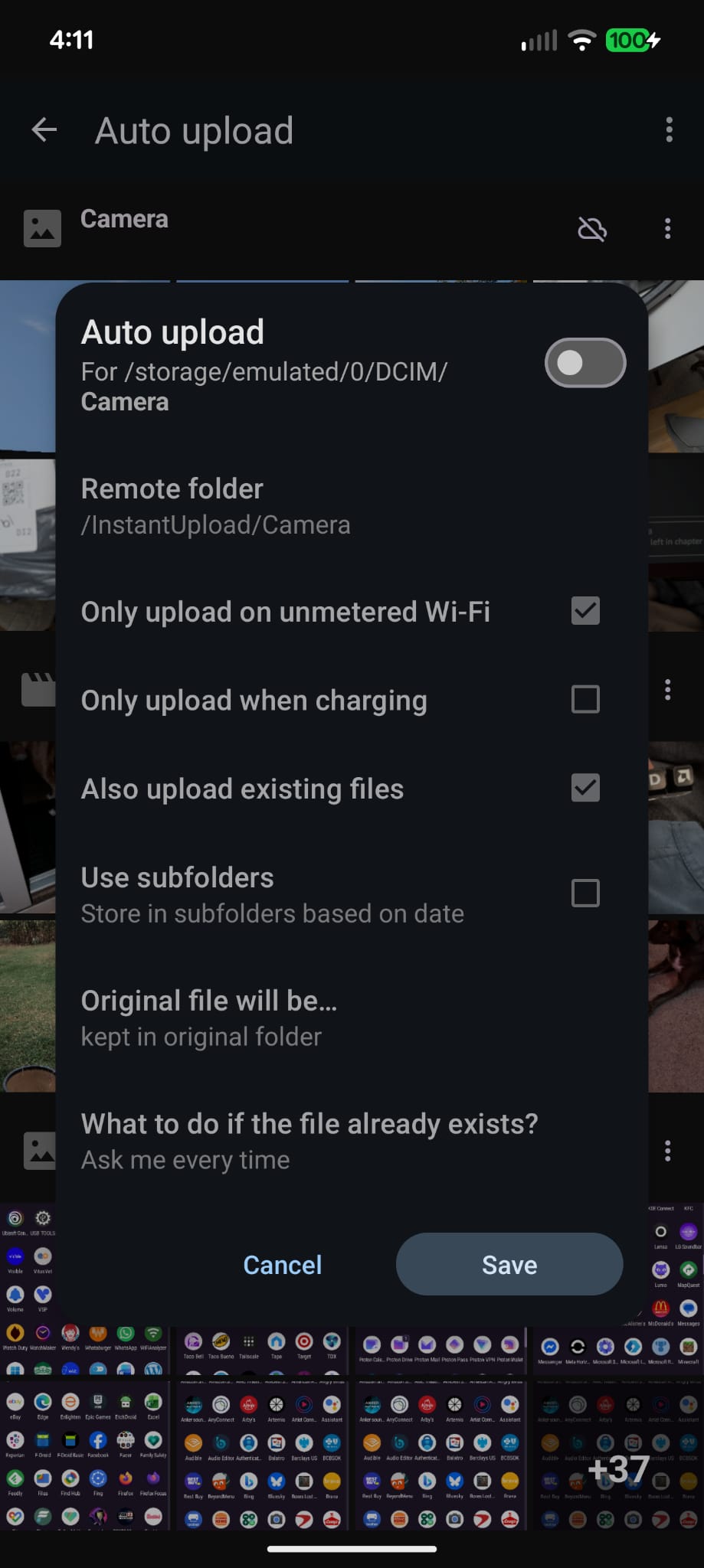
Oh! Looks like you just can’t change it until you first turn on Auto upload. Once you enable it, you can then tap on Remote folder and choose a different destination.